MARGN
EN
Log in Start free →
Analytics and growth

Seasonality on Uzum: sales calendar and preparation plan

MARGN team · · 5 min read
Seasonality on Uzum: sales calendar and preparation plan

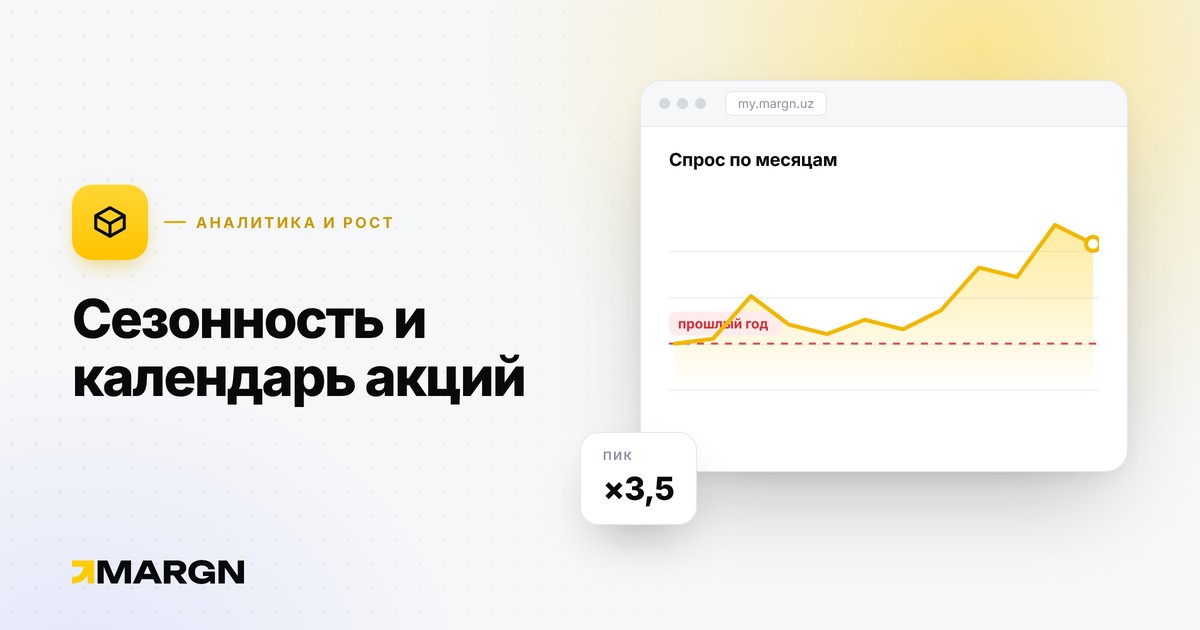
Demand is uneven through the year. Those who plan the season in advance get growth; those who are late end up without goods or with surplus stock.

Typical demand peaks

  • Navruz (March) — home, kitchen, clothing.
  • March 8 — gifts, cosmetics, accessories.
  • Ramadan and Hayit — food, clothing, home decor.
  • September 1, back to school — school goods, backpacks, clothing.
  • September–October — warm clothing and heaters.
  • Big discount days (Black Friday, 11.11) — almost all categories.
  • New Year — gifts, decorations, festive clothing.

Uzum announces its own promo dates separately: see exact dates in the seller dashboard; the list above is a general guide.

Preparation: 6–8 weeks ahead

  1. Last year's data. How much your product sold at this time — see category dynamics in analytics.
  2. Stock. Supply time + handover to the warehouse + reserve (formula). In season, allow double the supply time.
  3. Listing. Name, photos and keywords for the season (keywords).
  4. Price and margin. Calculate profit at the promo price in advance (formula).
  5. Ads. Turn them on 1–2 weeks before the peak: the algorithm needs to learn the listing and gather metrics.

Do not forget the 60-day rule

After the season, leftover stock extends the storage period. If turnover is above 60 days, storage becomes paid (rules). So take the batch based on a real forecast, not on "everything will sell".

After the season

  • Sell off leftovers at a discount: it is cheaper than frozen money.
  • Write down the results: how much was sold, at what price, how much was spent on ads. Next year this is a ready plan.

Mistakes

  • Starting the season in the last week: the delivery will be late.
  • Buying everything for the season: if one SKU does not sell, capital gets stuck.
  • Raising the price at the peak and falling behind a competitor.

Category and niche dynamics — Analytics. About choosing a niche — How to choose a niche.

A related opportunityUzum analytics →
Study the Uzum market and test a niche before you start selling.14 days of full access, no card required.
Analyze the market →

More articles

Uzum, Wildberries and Ozon compared: what a seller should look atGetting started

Uzum, Wildberries and Ozon compared: what a seller should look at

The main differences between the Uzum, Wildberries and Ozon marketplaces for a seller: buyers, status, FBO/FBS models, costs, logistics, payouts and competition.

November 4, 2026 · 7 min read
Uzum, Wildberries or Ozon: which is easier for a beginner?Getting started

Uzum, Wildberries or Ozon: which is easier for a beginner?

Which of Uzum, Wildberries and Ozon is easiest for a new seller: entry barrier, capital needed, documents, language, logistics and risk. A choice based on your situation.

November 3, 2026 · 7 min read
How to sell on Uzum in 2026: a start-from-zero planGetting started

How to sell on Uzum in 2026: a start-from-zero plan

How to start on Uzum Market in 2026: competition, the new logistics fee, choosing FBO/FBS/DBS, the payout schedule and a practical plan for the first 30 days.

November 2, 2026 · 8 min read
How to make money on Uzum: models, costs and risksGetting started

How to make money on Uzum: models, costs and risks

The main ways to earn on Uzum Market, the costs waiting at the start, where profit leaks and what to watch in the first 90 days.

October 16, 2026 · 7 min read
How to become a seller on Uzum Market: step-by-step guide 2026Getting started

How to become a seller on Uzum Market: step-by-step guide 2026

What you need to start selling on Uzum: sole proprietor, LLC or self-employed status, documents, adding Uzum as a commission agent in the tax cabinet and creating a store.

October 15, 2026 · 5 min read
How to analyze your Uzum seller account: a weekly 8-step routineAnalytics and growth

How to analyze your Uzum seller account: a weekly 8-step routine

How to analyze your own Uzum store account: dashboard, finance, products, ads, cancellations, ABC & XYZ, stock and alerts — shown on MARGN account screenshots.

November 6, 2026 · 10 min read

All articles →